Follow task progress
Check the status, activity and results of your Codex tasks whenever you need them.
Follow and manage your Codex coding tasks from your iPhone. Keep your ideas and your work moving, wherever you are.
Get startednpx niuma-codex@betaRun this in your computer’s terminal to start your remote workspace.
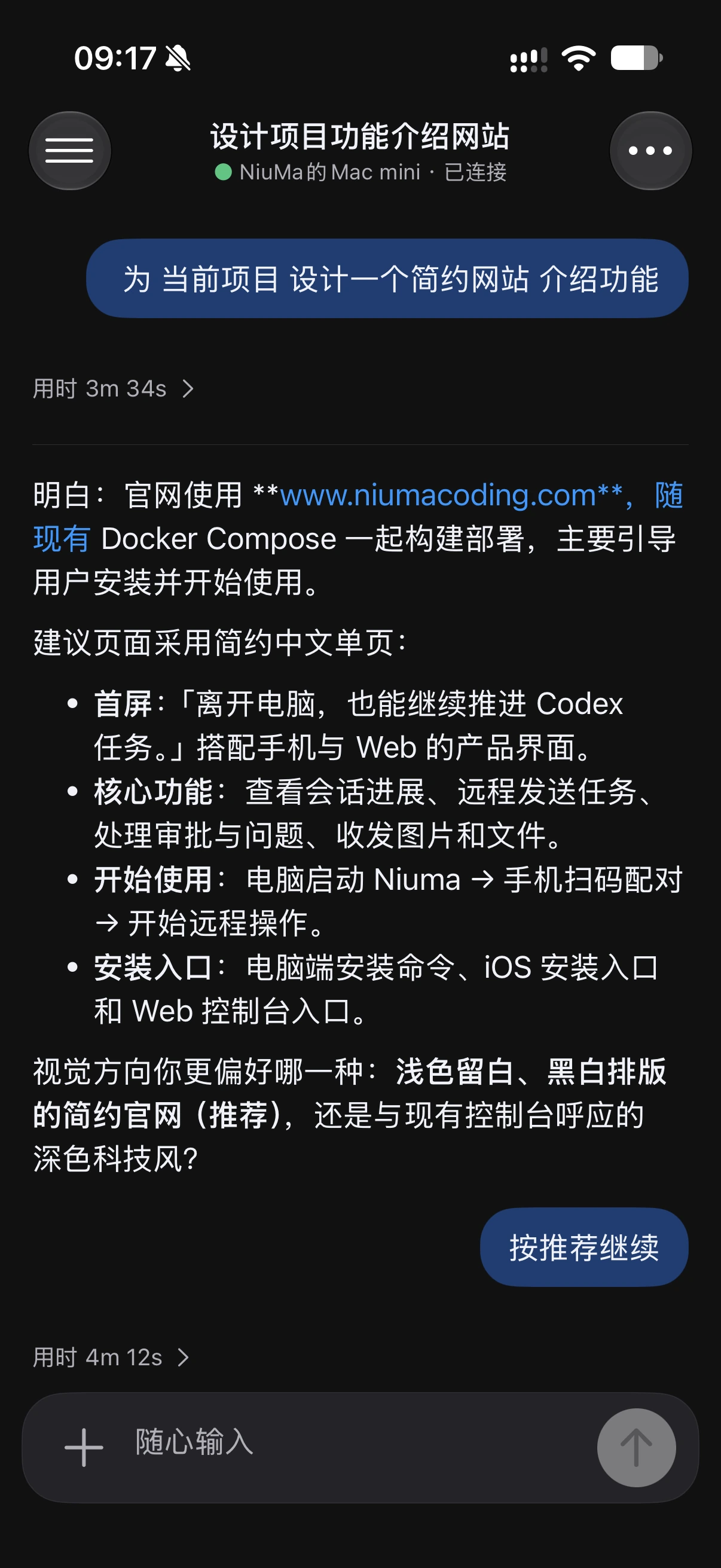
Check the status, activity and results of your Codex tasks whenever you need them.
Describe what you need in natural language and start a new Codex task from your phone.
Review operations awaiting approval and answer Codex’s questions to keep tasks moving.
Send screenshots, logs and designs to give Codex the context it needs.
Connect your computer and keep working from your iPhone.
Install Node.js 20+ and configure Codex on your computer, then run:
npx niuma-codex@betaOpen the pairing page after starting Niuma. Scan the QR code with your iPhone, then confirm pairing on your computer.
Open a conversation to follow progress, send tasks and continue your work.
iOS · Coming soonThe iOS installation link will be available when the app is released. Keep your computer and Niuma running and connected to the internet during remote use.